Implant surgical planning
Prosthetically driven plans from CBCT data, ready for the surgeon.
Implant planning, surgical guides and smile design from your CBCT and scans, delivered remotely to clinics and labs in Egypt, the Gulf and Europe.
A digital workflow turns a CBCT scan into a precise surgical plan and a smile the patient can see in advance.
Read the CBCT and DICOM data: bone, nerves, sinus and anatomy.
CBCT · DICOMChoose position, angle and size for each implant on the 3D model.
BlueSkyPlanDesign the guide that carries the plan to the chair.
Atomica AIDesign the final restoration and preview the result with the patient.
Exocad · DSDProsthetically driven plans from CBCT data, ready for the surgeon.
Facial and dental analysis, smile mock-ups and before/after previews.
Tooth, bone and mucosa supported guides, designed for accuracy.
Anatomic restorations designed in Exocad for lab and chairside work.
Backed by ten documented digital dentistry courses, five of them on surgical guide design. See all certificates
Step through each case, and click an image to view it full size.
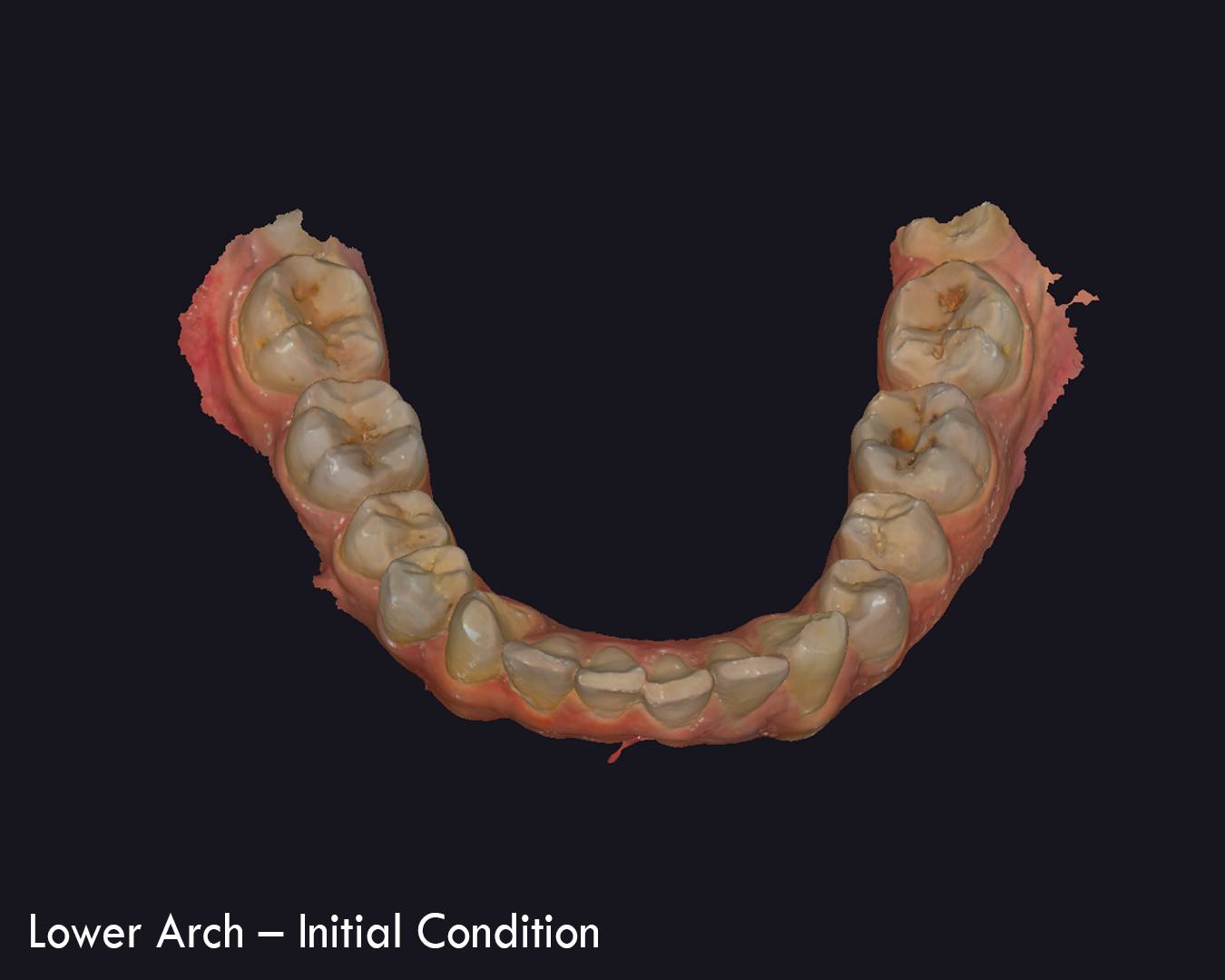 1 / 4
1 / 4


Patient identities are always protected. Faces and personal data are covered or shared with consent.
I work remotely. You send the files, I send back a plan or design ready for your lab or your chair.
Share CBCT (DICOM), intraoral scans (STL) and photos by Google Drive, WeTransfer or WhatsApp.
Tell me what the case needs. I reply with my approach, price and delivery time.
I share the plan or design for your review and adjust it until it is right.
You receive files ready to print or mill, with a short report or case presentation.
Patient filesReceived through secure links, used only for your case, and deleted after delivery.
Professional scopeI work with licensed dentists and dental labs. Designs and plans are delivered to the treating clinician, who keeps the clinical decision and responsibility for treatment.
Send the files on WhatsApp and I will reply with my approach and price.